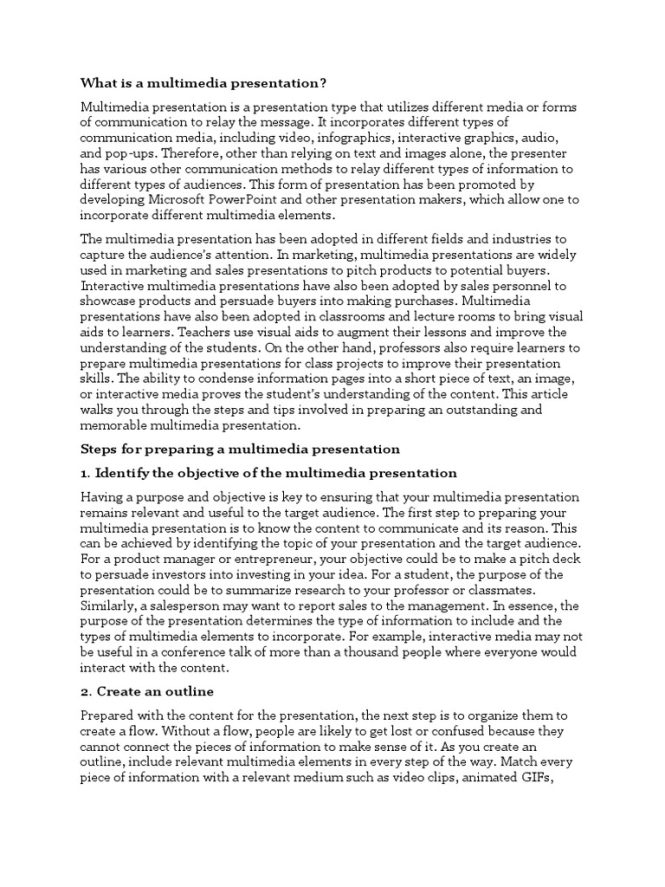
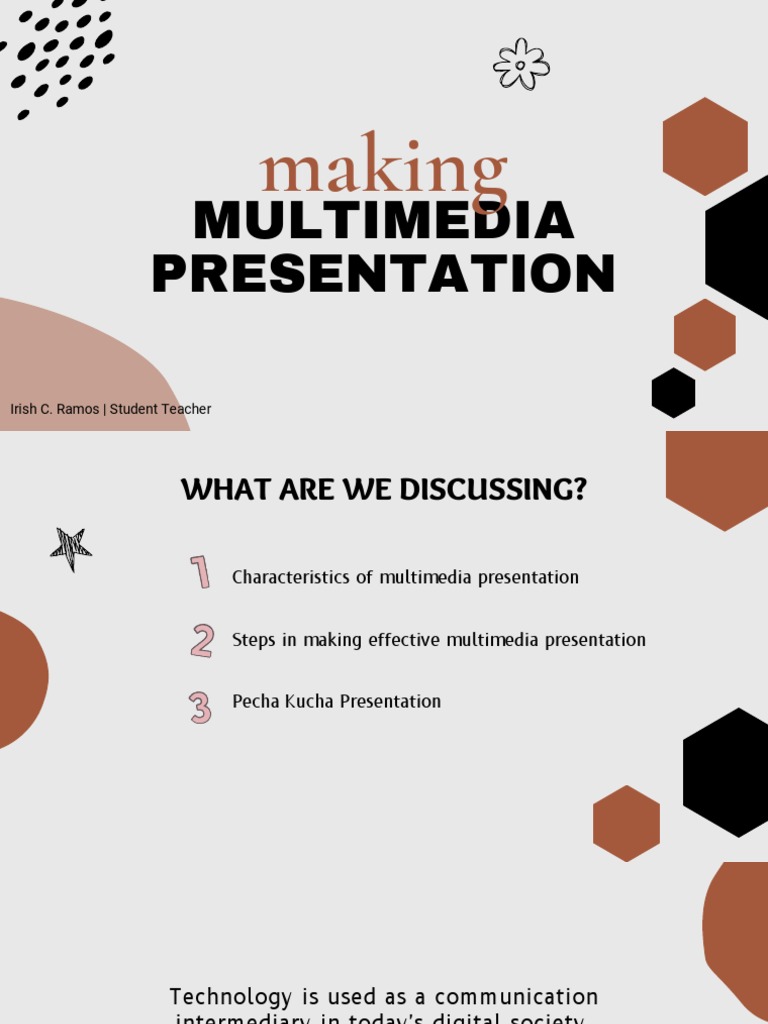
Strategies for Using Multimedia Effectively in Presentations are essential for captivating audiences in today’s dynamic communication landscape. A compelling presentation, whether for business, education, or personal use, hinges on more than just words; it’s about creating a multi-sensory experience. This article explores practical strategies for integrating multimedia effectively, addressing the common challenge of making presentations both visually engaging and informative. We’ll delve into choosing the right media, tailoring to audience needs, and mastering delivery techniques. This guide is structured to walk you through a step-by-step process from initial planning to captivating delivery.
Understanding Your Audience: The Foundation of Effective Multimedia Integration
Audience Demographics and Preferences
Knowing your audience is paramount to choosing the right multimedia. Consider factors like age, professional background, and prior knowledge of the topic. Younger audiences may respond better to animated graphics, while older generations might find traditional slideshows more appealing. Researching your audience beforehand will allow you to select the format and content that resonates best.
Audience Needs and Learning Styles
Different people learn in different ways. Some are visual learners, others auditory, and some kinesthetic. Incorporate multimedia formats that cater to these diverse learning styles. For example, use videos for visual learners, audio clips for auditory learners, and interactive exercises for kinesthetic learners. Consider using a mix of formats to address different learning styles within your audience.
Anticipating Potential Challenges and Overcoming Obstacles
Even with the best intentions, multimedia can introduce challenges if not implemented correctly. A common mistake is using too much multimedia, overwhelming the audience rather than enriching the experience. Another is selecting multimedia that isn’t relevant to the topic or is low quality. Understanding these pitfalls and planning to avoid them is key.
Selecting the Right Multimedia Tools and Formats
Choosing Appropriate Visual Aids
Visual aids are essential. Images, graphs, charts, and infographics can clarify complex information, improve audience comprehension, and maintain interest. Select high-quality visuals that are relevant and easy to understand. The rule of thumb is: one visual for every one or two key points. Avoid cluttered slides.
Incorporating Audio and Video Effectively
Incorporate relevant audio and video clips to break up the presentation and inject variety. Choosing engaging videos and appropriate audio can enhance audience understanding. Ensure that videos are relevant and high quality, and don’t overwhelm the presentation with too much audio. Keep audio levels appropriate for the environment.
Optimizing Interactive Elements for Engagement
Interactive elements like quizzes, polls, and games can elevate engagement and make presentations more memorable. Interactive tools can keep the audience focused, and keep presentations from feeling tedious. Careful planning and execution are key to making interactive elements effective.
Tailoring Your Multimedia Strategy to Specific Presentation Goals
Aligning Multimedia to Key Messages
Ensure that every piece of multimedia aligns with the core messages of your presentation. Every image, video clip, or graphic should reinforce your key points and support your overall argument. Avoid extraneous content.
Creating a Coherent and Compelling Narrative
Multimedia should weave together into a cohesive and engaging narrative. Consider transitions between different media formats to maintain the flow. Transition smoothly between visual aids and audio clips.
Ensuring Accessibility and Inclusivity
Consider the accessibility needs of your audience when integrating multimedia. Use captions for videos, provide alternative text for images, and use clear fonts. Consider colorblindness compatibility.
Mastering Presentation Delivery with Multimedia
Practicing and Rehearsing with Multimedia
Practicing with your chosen multimedia is essential. This allows for smooth transitions and ensures that you are comfortable with all aspects of your presentation. Practice your delivery with the multimedia elements to maintain flow.
Maintaining Eye Contact and Engaging Body Language
Don’t let the multimedia overshadow your delivery. Maintain eye contact with the audience, using appropriate body language to connect with them. Remember to engage with the audience; make them feel like participants in the content.
Adapting to Audience Feedback and Reactions
Be ready to adapt. Observe your audience’s reactions while presenting. Adjust your delivery and incorporate multimedia elements based on the audience’s feedback to make a dynamic and engaging experience.
Measuring and Evaluating Your Multimedia Presentation Success
Gathering Audience Feedback Post Presentation
Collect feedback to assess the effectiveness of your multimedia use. This feedback is invaluable for future presentations. Use surveys or informal feedback sessions to gather information.
Analyzing Presentation Metrics
Use analytics from your multimedia tools to gauge presentation success. Track viewer engagement or participation in interactive elements. This can provide useful insights to help tailor future presentations.
Refining Your Strategies Based on Performance Data
Using feedback and metrics can inform future presentations. Identify areas for improvement, and fine-tune multimedia choices to enhance effectiveness. Iterate based on what works best in your presentations.
Frequently Asked Questions
What are the most common mistakes people make when using multimedia in presentations?
Common mistakes include using too much multimedia, choosing irrelevant media, or having poor quality visuals. These elements can overwhelm audiences and detract from the core message of your presentation. A strong presentation maintains clarity and focus.
How can I ensure my multimedia presentations are engaging for a diverse audience?
Consider your audience’s demographics, prior knowledge, and learning styles. This approach allows you to tailor your multimedia presentation to meet diverse needs and learning preferences. Use multimedia tools that appeal to different senses and perspectives.
In conclusion, effectively incorporating multimedia into presentations is crucial for engaging audiences and conveying information clearly. By strategically selecting appropriate media, understanding your audience, and practicing delivery, you can transform your presentations into dynamic and memorable experiences. Ready to elevate your presentations? Visit our website for resources and training to further enhance your multimedia presentation skills!


